Figma Make vs Lovable vs v0 vs Bolt vs Replit (AI UI Builders Compared)
Five AI tools generate UI from a prompt. They are not interchangeable. Here is what each one is actually good at, what it ships, and when to pick which.
The short version
Five tools. All marketed as “generate UI from a prompt.” All wildly different underneath.
- Figma Make, stays inside Figma, uses your library components, outputs editable Figma frames
- Lovable, generates a full web app with backend, auth, and a database, hosted for you
- v0 (by Vercel), generates React components using shadcn/ui, outputs real code you can drop into a Next.js project
- Bolt (by StackBlitz), generates and runs full-stack apps in the browser, strong on rapid prototyping
- Replit, generates, runs, and deploys full apps with its agent; more general-purpose than UI-specific
They compete on paper. In practice they solve different problems. Pick wrong and you will spend an afternoon redoing the work in the right tool.
The one-glance decision table
| What you want | Use |
|---|---|
| Explore visual variants of a screen using my existing Figma library | Figma Make |
| Stay inside Figma and not leave your design workflow | Figma Make |
| Build a real working web app with a database and auth | Lovable |
| Launch a landing page or side project quickly | Lovable or Bolt |
| Generate React components that match my existing codebase | v0 |
| Use shadcn/ui as the starting point | v0 |
| Prototype a full-stack idea end-to-end in one session | Bolt |
| Test “what if we used React instead of Vue” in 10 minutes | Bolt |
| Build a backend-heavy app with data and APIs | Replit |
| Ship something to production without touching a deploy pipeline | Replit |
Rule of thumb:
- Figma Make for visual exploration
- v0 for component code in an existing project
- Lovable for a deployed web app
- Bolt for fast prototyping any stack
- Replit for full-stack apps with backend depth
1. Figma Make
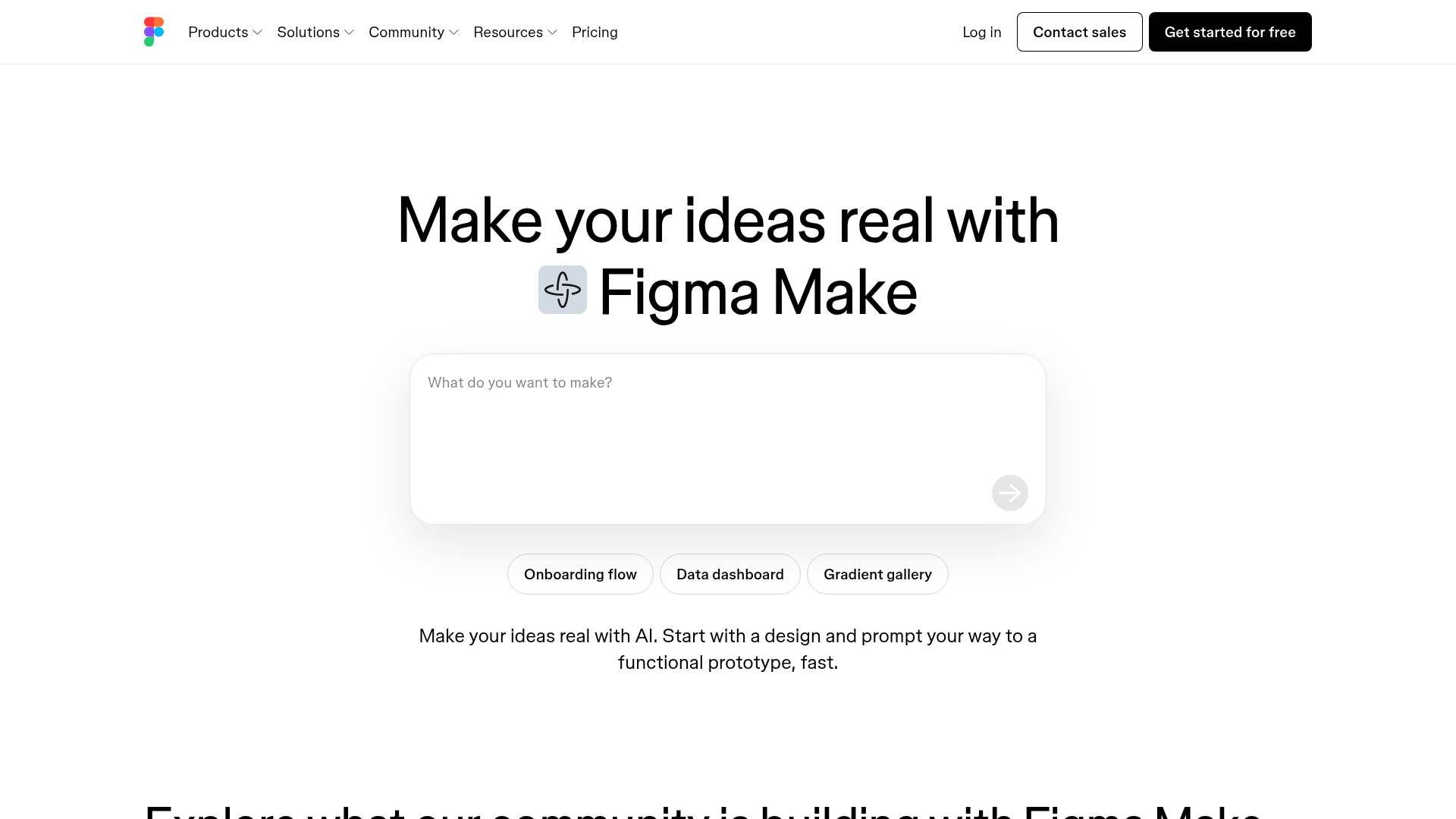
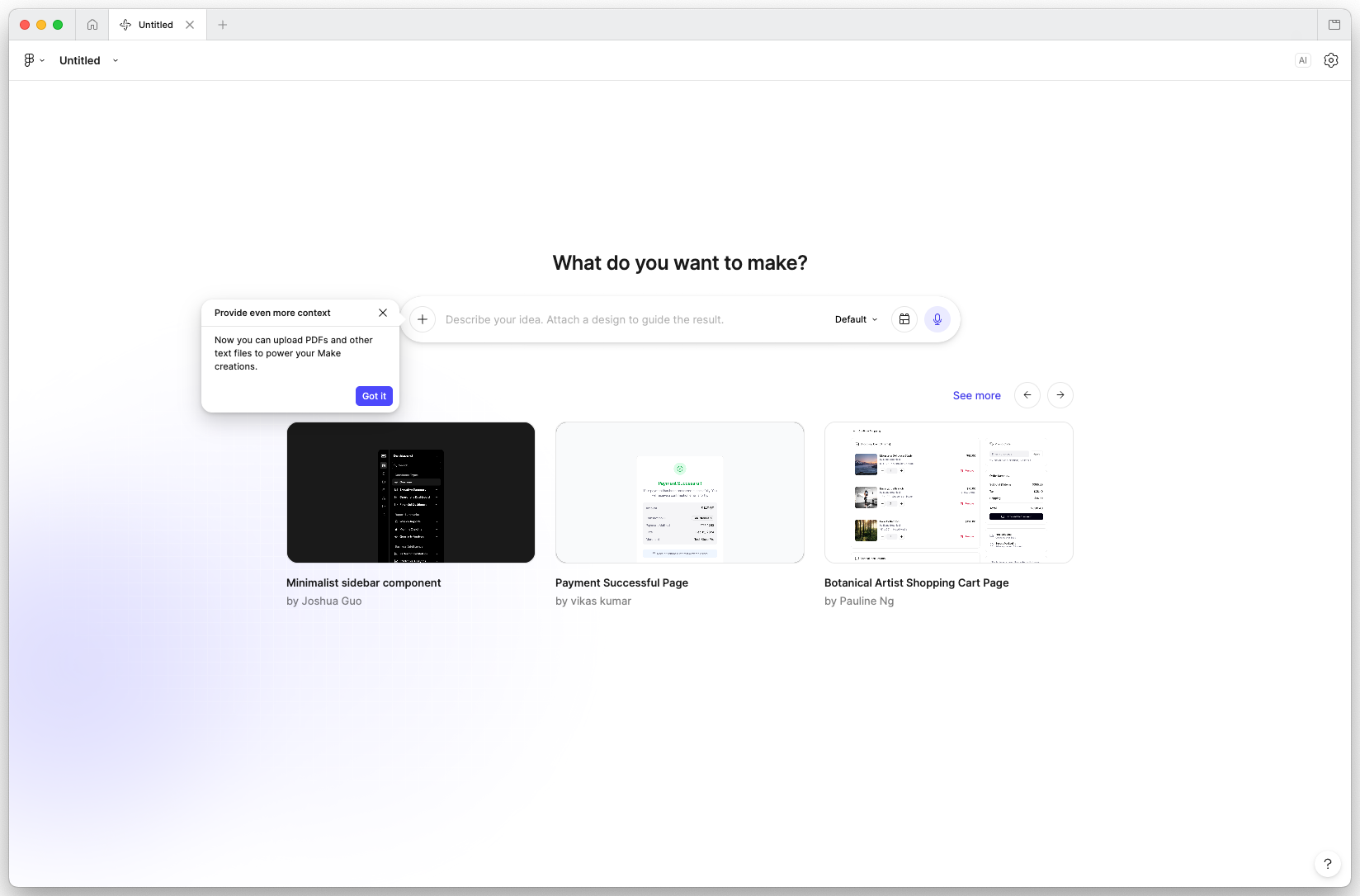
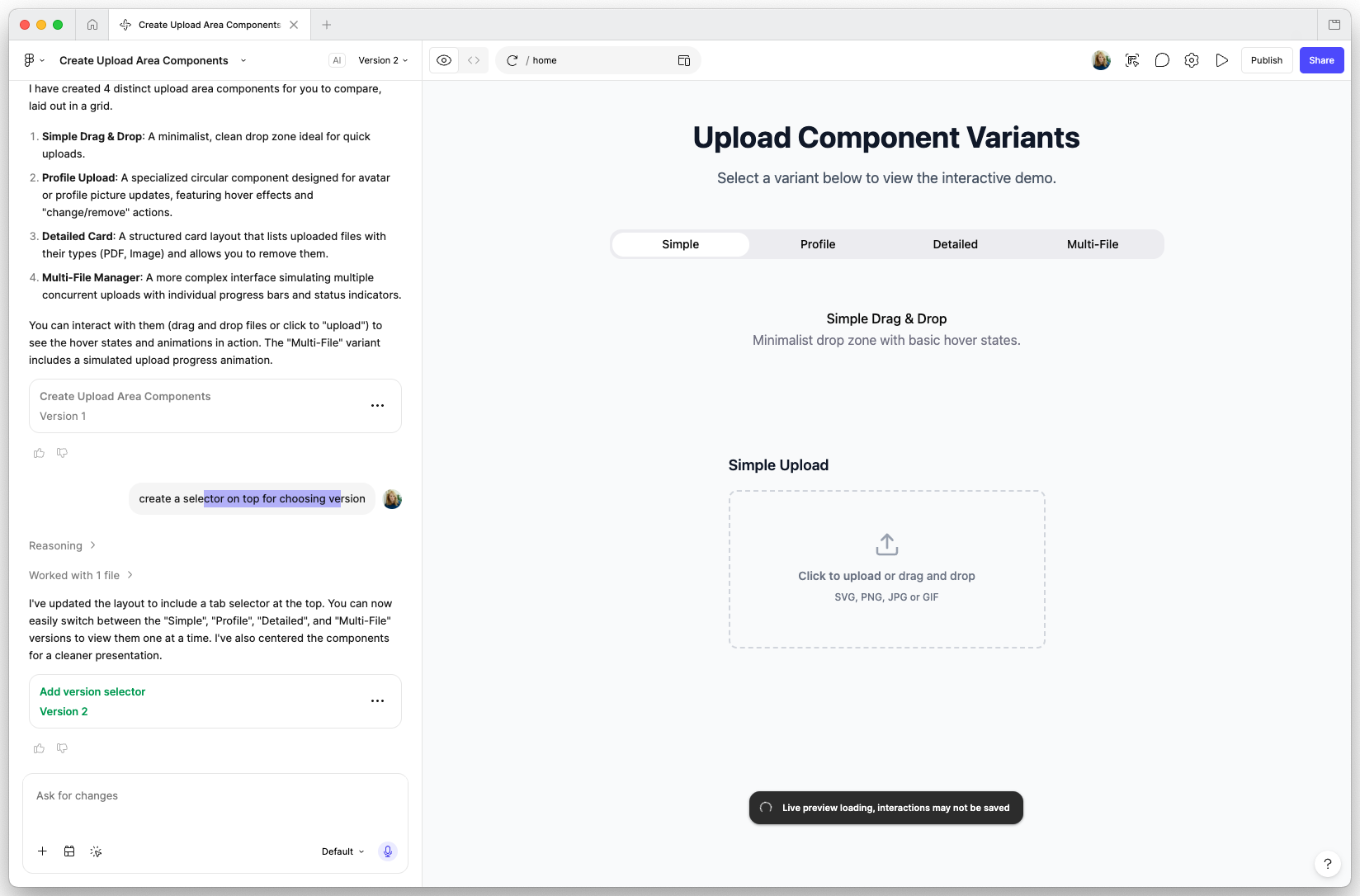
Figma’s built-in AI that generates UI inside Figma using your library components. Output is editable Figma frames, not code.
Strengths
- Stays inside Figma (no context switching)
- Uses your actual library components as source material
- Output is easy to review, edit, and iterate on
- Fast for “explore three variants” work
Weaknesses
- Output is Figma, not code (you still hand off to engineering)
- Needs a Figma Pro plan
- Can be inconsistent if your library is not well-structured (bad names, no descriptions)
- Does not give you a deployed app
Best for
Designers who need to explore visual directions fast, using components that already exist in their design system. Perfect for the “design three onboarding variants” kind of task.
Example prompt
Generate a fitness tracking dashboard for mobile. Use our card and chart components. Show: daily step count (big number + sparkline), weekly goal progress (circular bar), recent activities (3-item list). Three variants: minimal, data-heavy, playful.Pricing
Included in Figma Professional and higher plans.
2. Lovable
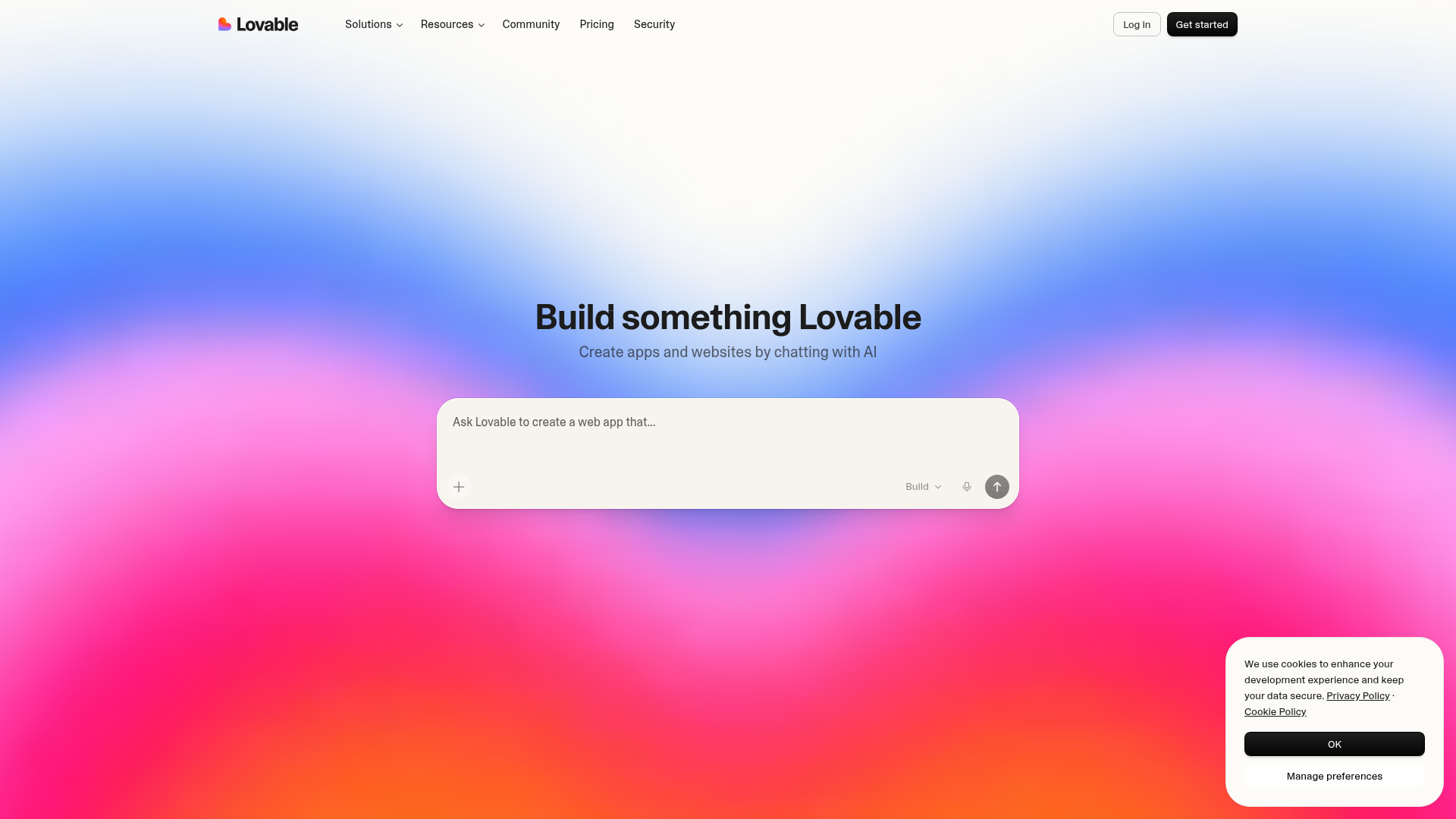
Generates full web applications with backend, database, and authentication. Output is a deployed app with a URL.
Strengths
- Full-stack out of the box (frontend + backend + database)
- Built on Supabase for auth and data
- Deployed URL ready to share
- Conversational UI (you can keep iterating by asking for changes)
- Good for non-technical founders and side projects
Weaknesses
- Output is Lovable’s stack (React + Supabase). If your team uses different tools, migration is painful.
- Less design-system-aware than Figma Make. Will not use your library by default.
- Can get expensive at scale (credits burn fast on complex apps)
Best for
Solo builders and designers who want to ship a real working product quickly. Landing pages, internal tools, side projects, MVPs.
Example prompt
Build a workout tracker. Users sign up with email, log workouts (date, exercise, reps, weight), see a weekly summary chart. Dark mode. Use shadcn/ui.Pricing
Free tier with limited credits. Paid plans scale with usage.
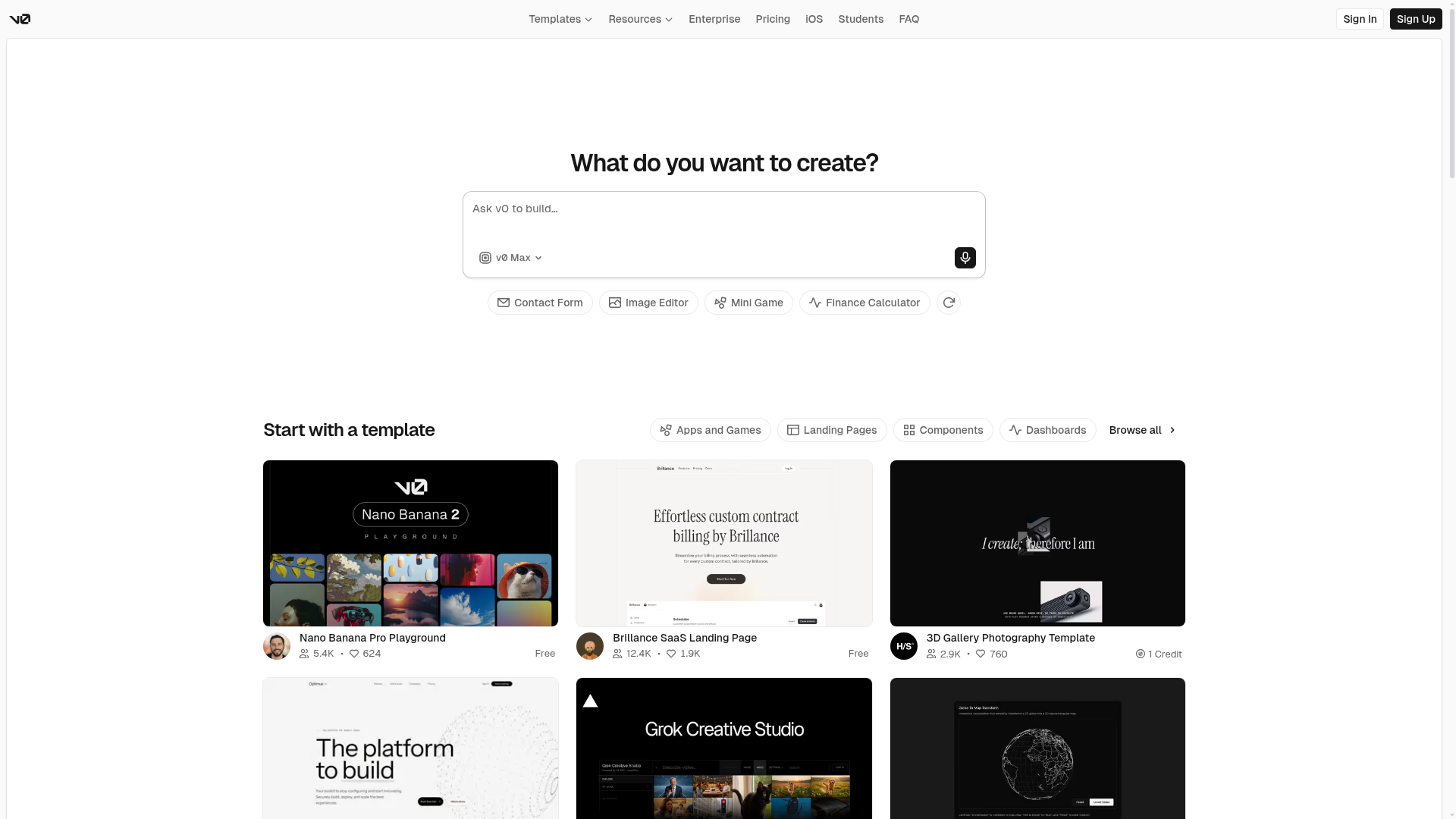
3. v0 (by Vercel)
Generates React components using shadcn/ui and Tailwind CSS. Output is real code you copy into your Next.js project.
Strengths
- Code-first output (not a closed app, real files you own)
- Uses shadcn/ui, which most modern Next.js teams already use
- Excellent for scaffolding components quickly
- Deep integration with Vercel for deployment
- The most popular choice for developers in 2026
Weaknesses
- Outputs React + shadcn/ui only. If your team uses Vue, Svelte, or a non-shadcn library, less useful.
- Does not know your design system unless you paste in examples
- Less visual than Figma Make (you are editing code, not frames)
Best for
Teams already using Next.js and shadcn/ui. Engineers or designers who write React. Anyone scaffolding new components for an existing codebase.
Example prompt
A pricing page with three tiers (Starter $29, Pro $79, Enterprise Contact). Use shadcn/ui Card components. Highlight the Pro tier with a subtle border. Include a feature comparison table below.Pricing
Free tier available. Paid plans for higher usage and team features.
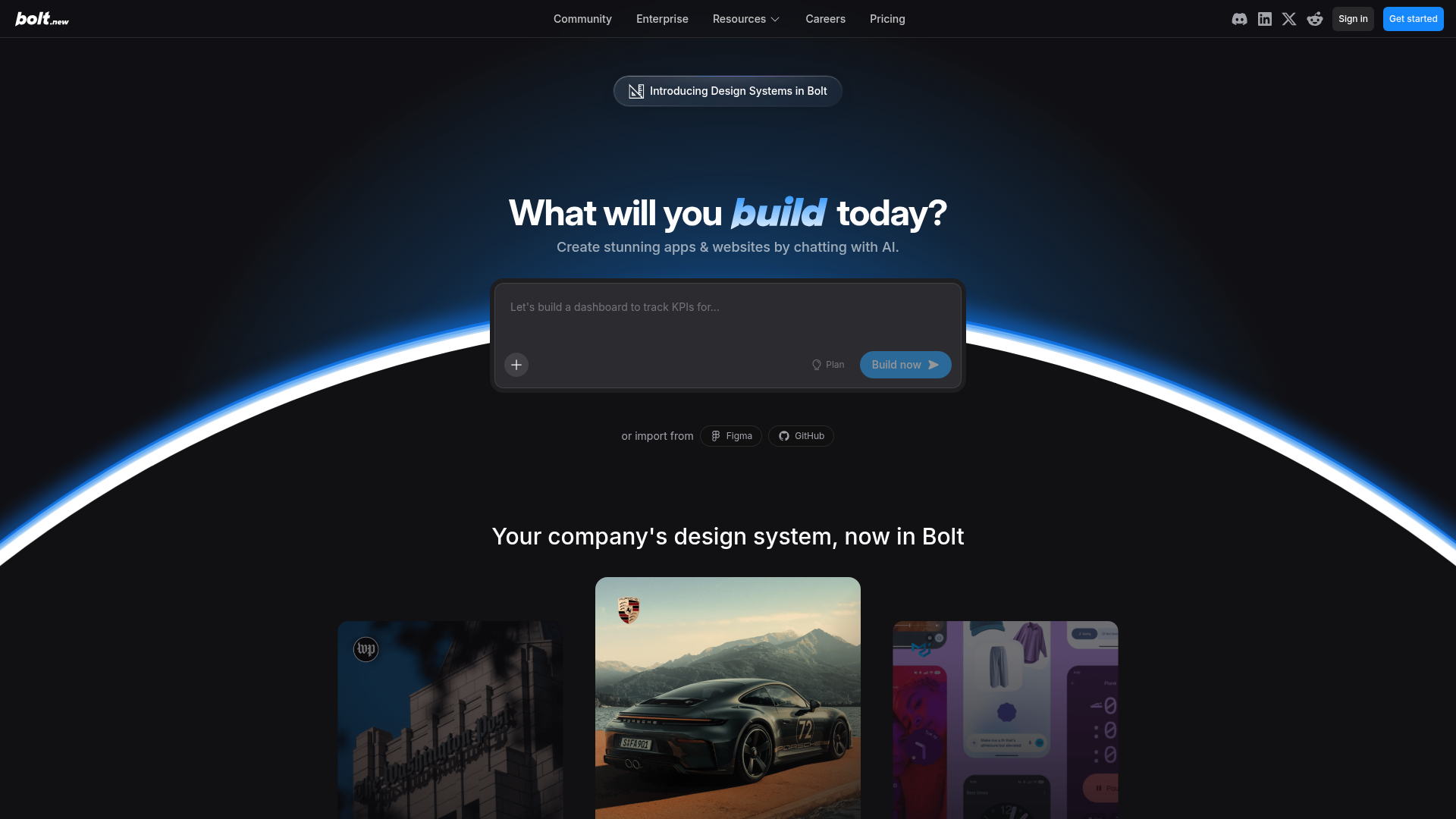
4. Bolt (by StackBlitz)
Generates and runs full-stack apps entirely in the browser. Strong on any stack (React, Vue, Svelte, Next.js, Astro, and more).
Strengths
- Runs in the browser (no local install, no deploy pipeline)
- Supports many stacks, not just React
- Fast iteration: prompt, see, change, repeat
- Good for prototyping “what if we used X stack”
- Download the project any time
Weaknesses
- Less polished for production deployment than Lovable or Vercel
- No built-in database or auth (you wire it up yourself)
- Browser-based runtime can be slow for heavy apps
Best for
Rapid prototyping across different stacks. Testing ideas before committing. Quick experiments where setup friction would kill the momentum.
Example prompt
A real-time poll app in SvelteKit. Users create polls, others vote with one click. Show results as a bar chart. Use plain CSS, no Tailwind.Pricing
Free tier with limited tokens. Paid plans for more tokens and team use.
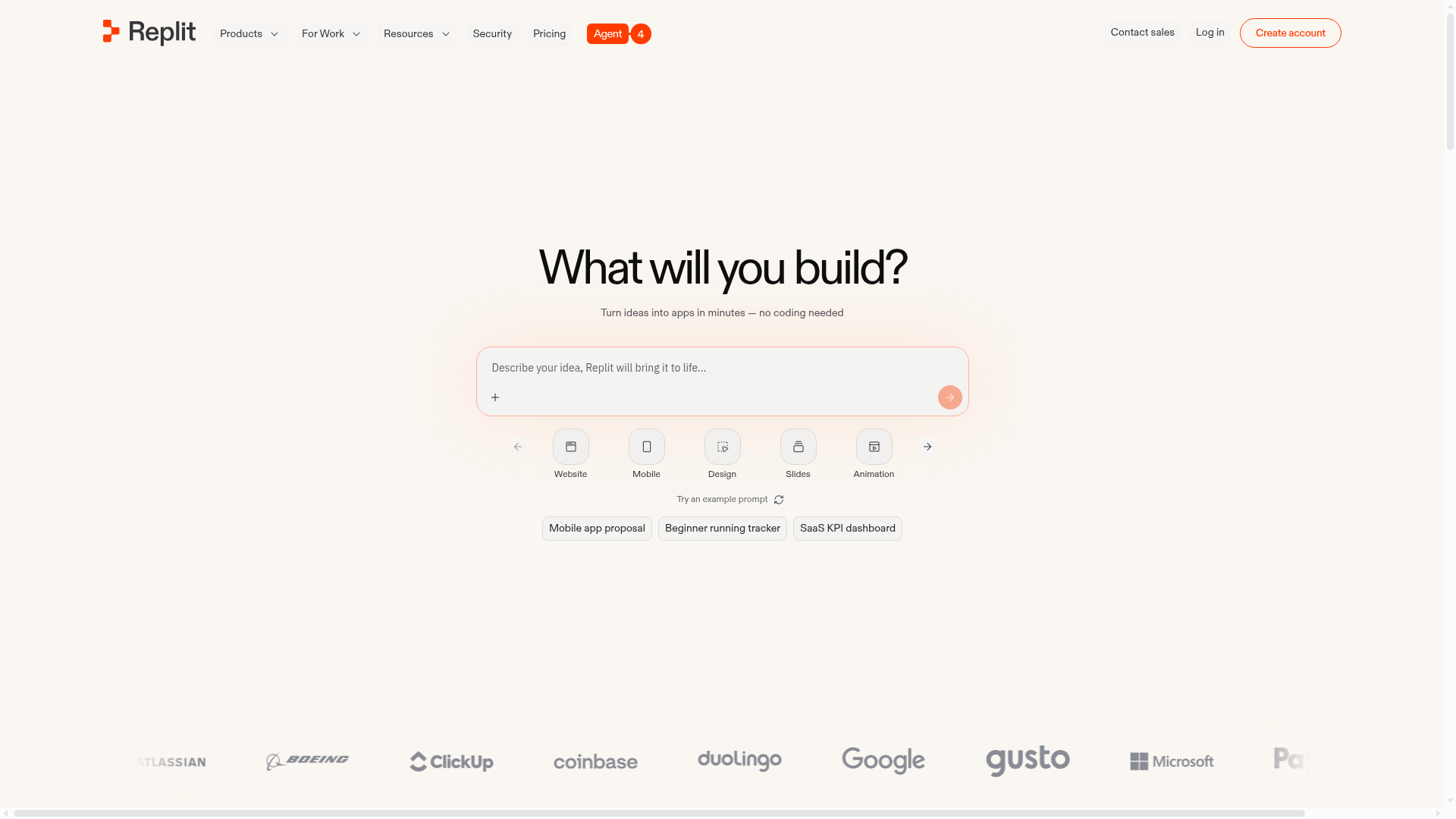
5. Replit
Replit’s Agent generates, runs, and deploys full applications in the browser. More general-purpose than UI-specific, with strong backend and data support.
Strengths
- Full-stack with real backend capabilities (Python, Node.js, databases)
- One-click deploy to Replit’s hosting
- Strong for data-heavy or API-heavy apps
- Works beyond web UI (CLIs, scrapers, data tools, Discord bots)
- Deploy, share, collaborate all in one place
Weaknesses
- UI quality is lower than v0 or Lovable out of the box
- Less design-system-aware than Figma Make or Lovable
- Best for developers; less designer-friendly
Best for
Builders who need backend logic more than polished UI. Internal tools, automation scripts, data dashboards, API wrappers.
Example prompt
A webhook receiver that takes Stripe events, stores them in a database, and sends a Slack alert when a new subscription starts. Include a dashboard showing the last 50 events.Pricing
Free tier available. Paid plans for more compute and features.
| Criterion | Figma Make Best pick Designers, in Figma | Lovable Deployed web app | v0 React in your codebase | Bolt Fast prototyping | Replit Backend-heavy app |
|---|---|---|---|---|---|
| Output | Figma frames | Deployed app | React code | Running app | Running app |
| Uses your design system | ✓ | Limited | Limited | — | — |
| Multi-framework | N/A | React only | React only | Many | Many |
| Backend / database | — | Supabase | — | Manual | ✓ |
| Auth out of the box | — | ✓ | — | — | ✓ |
| Deployed URL | — | ✓ | Via Vercel | Via export | ✓ |
| Code export | — | ✓ | Primary | ✓ | ✓ |
The mental model I use to pick
Ask two questions in this order:
Question 1: Do I need code or is Figma enough?
- Figma is enough → Figma Make. Stop here.
- I need code → Continue to Question 2.
Question 2: Is this a real product or a scaffold?
- Real product (deployed, database, auth) → Lovable or Replit
- Scaffold for an existing project → v0
- Throwaway prototype in any stack → Bolt
That covers 90% of cases. The remaining 10% is when you want the other tool’s specific feature (Replit’s backend, Bolt’s stack flexibility, v0’s shadcn defaults).
Common misunderstandings
- “They all do the same thing.” They do not. Figma Make outputs Figma. v0 outputs code. Lovable outputs deployed apps. Different outputs, different use cases.
- “The one with the most features wins.” No. The one that fits your workflow wins. v0 has fewer features than Replit but is better if you already use Next.js and shadcn/ui.
- “I need a deployed URL, so I need Lovable.” Maybe. But if your team already has a Vercel setup, v0 output deploys there in seconds. Lovable only wins when you want the whole stack (auth, database, UI) in one place.
- “AI UI builders replace designers.” They do not. They replace the blank canvas. You still decide which direction wins, which component lives in the system, and what ships.
What I actually use for what
- For exploration inside Figma: Figma Make
- For client prototypes I send by Monday: Bolt
- For scaffolding in my Next.js codebase: v0
- For anything with a backend or database: Lovable or Replit depending on vibe
- For side projects I want to keep alive: Lovable
I do not stick to one. Each tool has a moment where it is clearly the right answer.
Run the same prompt through two tools and compare the output
-
Pick two tools from the decision table and write one shared prompt
Use the mental model above to pick the two most likely tools for your next real project. Write a single prompt that both tools can take as-is. Keep the prompt specific: the page or component, the audience, the key elements, the style constraint. No “make a cool landing page”.
- You named the two tools and why each could plausibly win
- The prompt is specific enough that both tools should produce something comparable
- The prompt names at least one style or brand constraint, not just functional requirements
-
Run the prompt in both tools and judge against your real criteria
Paste the prompt into both tools. Do not tweak it between tools. Once both outputs are live, answer three questions: Which one matches my stack? Which one is closer to shippable? Which one would I pick again for this kind of work?
- Two real outputs exist: Figma frames, a deployed URL, a code file, or a running app
- You can name one strength and one weakness per tool, grounded in what you just saw
- You have a clear answer for “which one wins for this specific task”
- The winner was not always the tool you expected going in
Finished this lesson?
Mark it complete to track your progress through "Visual Direction & Style".
Try with Prompts
Ready-to-use prompts related to this guide
Prompt templates for extracting, documenting, and sharing component metadata.
Prompts for generating components from Figma with MCP and documenting implementation.
Prompt templates for generating, auditing, and syncing design tokens.