Ship product design work in hours, not sprints

Everything I use with real product teams, from first prompt to running agents.

92guides63tools33prompts26templates169design systemsRegularly updated

Prices in USD

Free

For anyone starting with AI.

$0

Forever free

Get started
  • Free guides
  • Tool directory
  • Full compare pages
  • Beginner guides
  • Knowledge base

The agent toolkit

Tidy Core included, the rest ships with Master

  • Tidy Coreincluded
  • Tidy Full, all 105 MCP tools
  • Monthly live session
  • Early access to new features

Pro

For designers using AI every week.

$39/month

Cancel anytime

  • Tool reviews
  • Guides & tutorials
  • Prompts
  • Templates
  • MCP server configs
  • Code templates & checklists
  • Discord community

The agent toolkit

Tidy Core included, the rest ships with Master

  • Tidy Coreincluded
  • Tidy Full, all 105 MCP tools
  • Monthly live session
  • Early access to new features
Recommended

Master

For leads running a design system with AI.

$467/year

Billed yearly, cancel anytime

  • Everything in Pro, plus
  • Priority new content
  • Advanced guides and videos
  • Discord community

The agent toolkit

Ships with Master

  • Tidy Coreincluded
  • Tidy Full, all 105 MCP toolsincluded
  • Monthly live sessionincluded
  • Early access to new featuresincluded
See full plan comparison
Content Library
Free
Pro
Master
Tool reviews
3 free
All
All
Guides & tutorials
8 starter
All
All
Prompts
Plugins & templates
MCP server configs
Code templates & checklists
Design Systems
Free
Pro
Master
Design systems directory
Compare pages
Full
Full
Full
Knowledge base
Trends & market signals
npm package tracking
Tools & Integrations
Free
Pro
Master
Tidy Core (open source)
Tidy Full (105 MCP tools)
Early access to new features
Priority new content
Community & Support
Free
Pro
Master
Weekly newsletter
Discord community
Monthly live session
Email support

Team Workshops

Live session on your actual repo, Figma file, and design language. Your team walks out with prompts, skills, and a CLAUDE.md that works.

Half or full day · Remote or onsite · Recording included

Contact me

or write to hey@romina.design

Your first week with AI Design Guide

You just joined. Here is what the first week looks like.

Learning path

Beginner AI setup

2/6
Set up your AI design workspace
CLAUDE.md for design systemsup next
Prompt Claude to audit a Figma design20 min
Your first UX review agent30 min

This is for you
if you are a:

DesignerContent DesignerDesign EngineerProduct DesignerProduct ManagerUX DesignerDesign Ops LeaderDesign System LeadUX ResearcherFront-end DeveloperDesign ManagerCreative Director

It's actually for anyone who wants to:

Automate design system grunt work

Stop renaming tokens every quarter

Pick the right AI tool for each job

Ship design docs in minutes

Audit components without spreadsheets

Keep up without drowning in hype

Speak engineering without becoming one

Make Figma talk to your codebase

Curated guides

Step-by-step guides on token migration, MCP setup, and design-to-code.

Production-ready prompts

Tested prompts and system instructions. Copy, paste, and ship with Claude, ChatGPT, or Gemini.

AI tool reviews

Honest reviews of every AI design tool. Tested so you don't waste time on tools that fail in production.

Tidy Core & Tidy Full

Design system governance from your AI assistant. Pro includes Tidy Core; Master unlocks the full 105-tool system.

MCP server configs

Connect your design tokens, Figma files, and codebase to AI assistants.

Weekly new content

New tools, guides, and prompts every week. The library stays current so you don't have to.

Testimonials

Join the club

Designers, design system leads, and design engineers using these resources every week.

"The free resources already make this a no-brainer. The curated guides saved me weeks of research. If you're looking to integrate AI into your design system, this is the best place to start."

Miguel F.Product Designer

"A fabulous resource for someone like me who needed to level up on AI tooling. The guides are well structured and the prompts actually work."

Gary S.Design Systems Lead

"Romina helped me crack the dilemma of how to automate our token pipeline in a very systematic way. She laid out the whole custom roadmap where I was stuck for months."

Pamela W.Founder & Designer

"Time to value is lightning fast. It's been incredibly helpful learning how to build with MCP servers and set up design-to-code systems that actually work in production."

Shivani B.Senior Product Designer

"I thought I had to run hundreds of small experiments to figure out the right AI tools. Turns out I just needed the AI Design Guide."

Nate S.Design Engineer

"This is hands down the best place to learn about AI-powered design systems on the internet."

Kristina F.Design Lead

"Saved my whole team three days of trial and error in our first AI rollout sprint."

Alex R.Design Engineer

About me

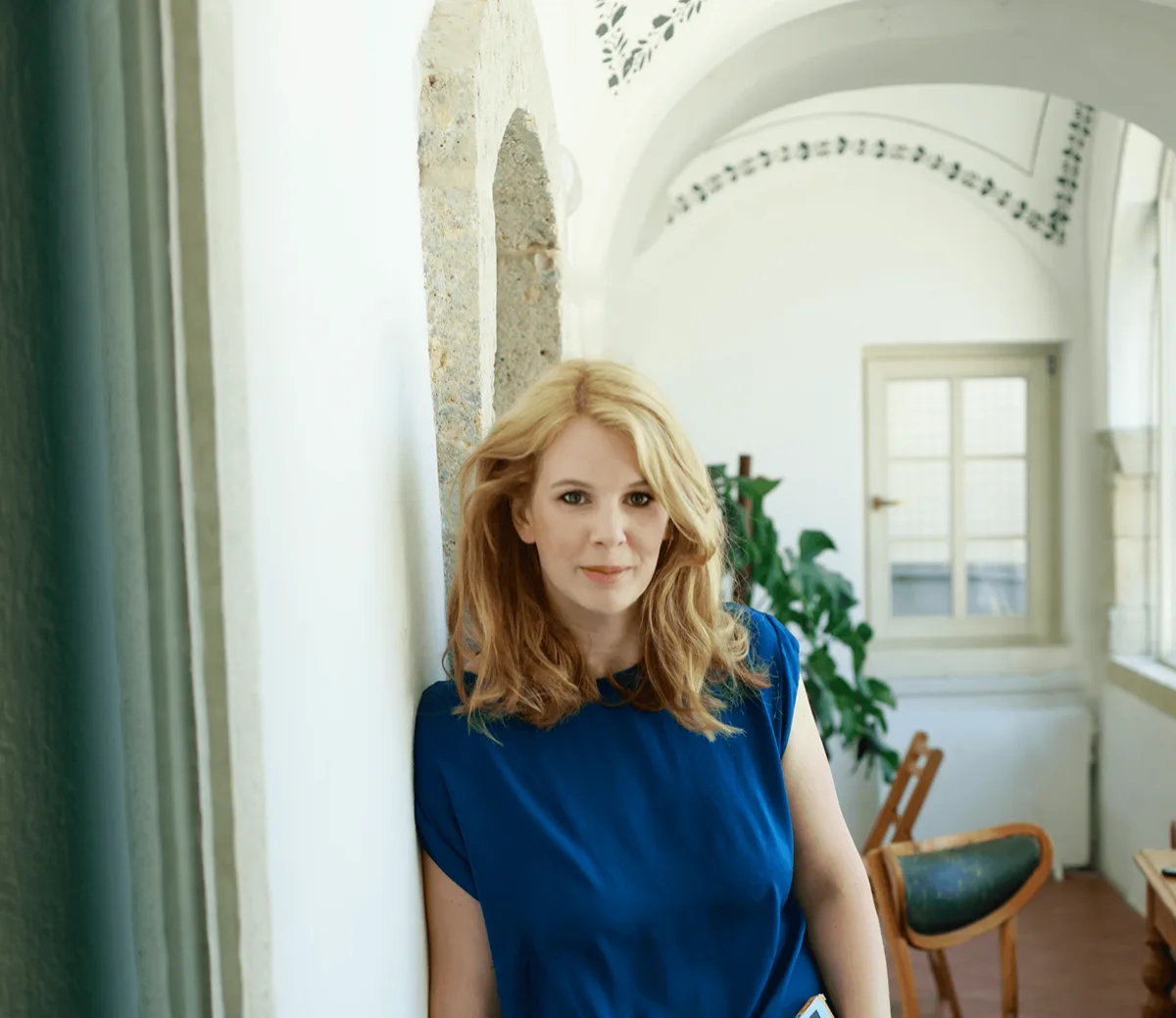
Romina Kavcic

Hey, I'm Romina Kavcic

Product Design Lead, 18+ years shipping design systems at scale, MBA in economics. I lead design teams through the shift from manual craft to agentic design, where AI agents handle audits, token pipelines, and documentation so designers can focus on decisions. Everything in this library comes from the work I do with real product teams.

How I help companies add agentic design practices:

Introduce agentic AI practices to design teamsMake design systems AI-readableAutomate audits, docs, and token pipelinesTrain designers on AI tools and promptsSet up governance for AI-generated work

Get answers to the most commonly asked questions

Do I need to be technical to use this?
No. The guides and prompts are written for designers, not engineers. If you can use Figma and write clear instructions, you can use everything here. Some guides involve code-adjacent tools like MCP servers, but I walk you through every step.
Can I get my company to pay for this?
Yes. Many subscribers expense this as professional development. At $467/year, it's under the approval threshold at most companies. Email me at hey@romina.design and I'll send you a summary you can forward to your manager for approval.
Does this work on Windows?
Yes. Most of the library is tool-agnostic. Guides, prompts, and templates work on Mac, Windows, or Linux. A small number of CLI-specific guides reference Mac terminal commands, but I include Windows equivalents wherever it matters.
Where should I start if I've never used AI for design?
Start with the AI for Designers 101 guide and the Tools.md Generator. Together they take about 30 minutes and give you a working setup your coding assistant can understand. From there, follow the guide that matches what you're working on this week.
How is this different from just watching YouTube tutorials?
YouTube gives you concepts. This gives you tested guides, prompts, configs, and templates grounded in real production environments. You copy, paste, and ship. No assembly required. I also keep everything updated as tools change, which YouTube videos don't.
What if my company hasn't approved AI tools yet?
Many guides work with any LLM, including self-hosted or enterprise-approved options. You can also use the guides and prompts with a personal account to learn the patterns first, then bring the approach to your team once you have results to show.
Is this for solo designers or design teams?
Both. Each subscription is one seat. If you want to roll this out across a team, email me at hey@romina.design and I'll set up team pricing.
I'm a student. Are there discounts?
Yes. Email hey@romina.design from your school address and I'll send you a discounted link.
What AI tools do the guides cover?
Claude, ChatGPT, Gemini, Copilot, and specialized tools like Tokens Studio, Style Dictionary, and Figma's own AI features. I review new tools as they launch and update guides when better options become available.
How often is the library updated?
I add new guides, prompts, and tools every week and update existing ones whenever tools change. AI tooling moves fast, so the library is treated as a living resource, not a fixed product.
Do I get access to future content?
Yes. As long as your subscription is active, you get everything I add: new guides, new prompts, new tools, and new templates. No upsells, no separate purchases.
Can I download the prompts and templates?
Yes. Everything is downloadable. Prompts as plain text, templates as files you can drop into your own setup. You keep what you've downloaded even if you cancel later.
What's the difference between Pro and Master?
Pro and Master both give you full access to the entire library, and Tidy Core, my open-source design system toolkit, is included on every plan. Master is billed yearly and adds Tidy Full (the complete 105-tool system), early access to new features, and one live session each month. If there is enough interest, I may add more frequent sessions later.
I already use AI daily. Is this still useful?
Most likely, yes. There's a big gap between "I use ChatGPT for brainstorming" and "I have MCP servers connected to my design tokens that auto-validate naming." The library covers advanced setups that even experienced AI users haven't tried yet. Not sure if it's a fit? Email me at hey@romina.design and I'll tell you straight whether it's worth it for your setup.
Can I cancel anytime?
Yes. Cancel anytime from your account page. You keep access until the end of your billing period. No questions asked.
What happens to my saved items and bookmarks if I cancel?
They stay in your account. If you resubscribe later, everything is still there.
Can I get a refund?
No, all subscriptions are non-refundable. The reason is simple: this is a digital library where everything is downloadable on day one. Once you have the prompts, templates, and skills, you have them, even after canceling. Offering refunds would mean people could subscribe, save everything, and leave at zero cost. Instead, you can browse the free starter guides and free tier first to make sure the library fits how you work. If something is genuinely broken or missing on my end, email me at info@aidesign.guide and I will make it right.