





















Live course for beginners · starts Sep 22

From zero setup to your first design agent.

Three live modules · 90 minutes each · Sep 22, 29 · Oct 6 · 5:00–6:30 PM CEST

Join 1034+ people from these companies.

What's included

Three live modules plus six months of the library

Three live modules, 90 minutes each

Guided setup and real workflows, step by step, with a checkpoint before every module ends so nobody gets left behind. Ask questions the moment you are stuck.

Six months of full library access

Every guide, prompt, template, and MCP config on this site while you put the setup to work on your own projects.

Recordings of every module

Rewatch any step when you repeat it on your own project, at your own pace.

The setup kit

My CLAUDE.md template, MCP configs, a starter prompt pack, and the pre-flight checklist. Copy, paste, adjust.

This course is for you
if you are a:

DesignerContent DesignerDesign EngineerProduct DesignerProduct ManagerUX DesignerDesign Ops LeaderDesign System LeadUX ResearcherFront-end DeveloperDesign ManagerCreative Director

The agenda

Three modules, one working setup

Module 1 · 90 min live · Sep 22

Get the tools running

From nothing installed to a working agent on your machine.

Claude CodeOllamaCursor or VS Code
  • Claude app vs Claude Code, and what each costs
  • Installing Claude Code together, on Mac and Windows
  • Local models too: running Llama and other open models on your machine
  • Your first prompt: agent vs chat
  • Permissions and safety rails
You leave with

A working agent on your machine, cloud and local, and your first task done with it.

Module 2 · 90 min live · Sep 29

Teach it your design context

A generic agent becomes your assistant when it knows your files.

Claude CodeFigma MCPTidy Core
  • Project folders an agent can navigate
  • CLAUDE.md: your rules, tokens, and voice
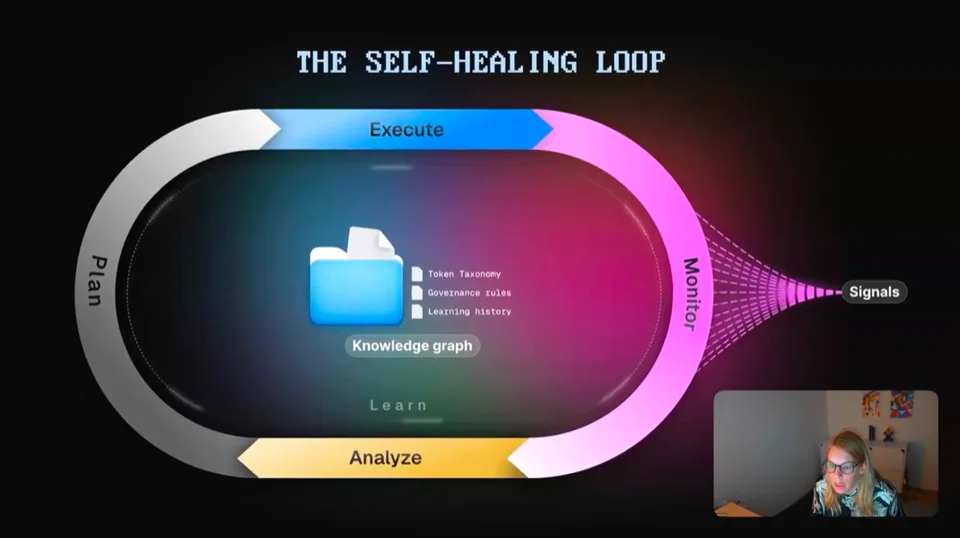
  • Connecting Figma through MCP, plus Tidy Core, the governance toolkit I built
  • Design tokens, structured so AI uses yours
You leave with

Your own CLAUDE.md, Figma connected through MCP, and Tidy Core installed.

Module 3 · 90 min live · Oct 6

Run real workflows

Not demos. You run them, on real files, before we end.

FigmaFirecrawlClaude Code
  • A token audit on a live Figma file
  • Creating Figma variables with AI
  • Web research with Firecrawl, turned into data you can use
  • Design system to clickable prototype
  • Review rules, run through Tidy Core: every agent change is a plan you approve
You leave with

Three real workflows you can rerun at work on Monday, on your own files.

Before the first module

I send this as a pre-flight checklist when you reserve a seat.

Claude accountFigma accountCursor or VS Code
30 min of prep
A practice file (optional)

What you'll be able to do

Real workflows on real design work

Create Figma variables with AI

Turn a palette, a spreadsheet, or an existing style sheet into variable collections with modes, instead of clicking them in one by one.

Research the web with Firecrawl

Scrape any docs site or article into clean, structured data, then hand it to your agent and use it for your own guidelines, tokens, and patterns.

The ideal design repo

"What should my design repo even look like?" You leave with the folder structure agents navigate best.

Where component docs live

Markdown files next to the code the agent already reads, not locked in a wiki it cannot see.

A system agents can read

Guidelines, patterns, and accessibility rules in one knowledge repo, so every agent answer uses your rules.

Tidy Core, your design system companion

Tidy Core applies variables for you. Hunts down ghost variables. Renames token structures in seconds. Every change arrives as a plan you approve before it touches the file, and each one lands in a decision log. I built it, it is open source, and it stays yours after the course.

Your stack

Connect the apps you use every day

Your instructor

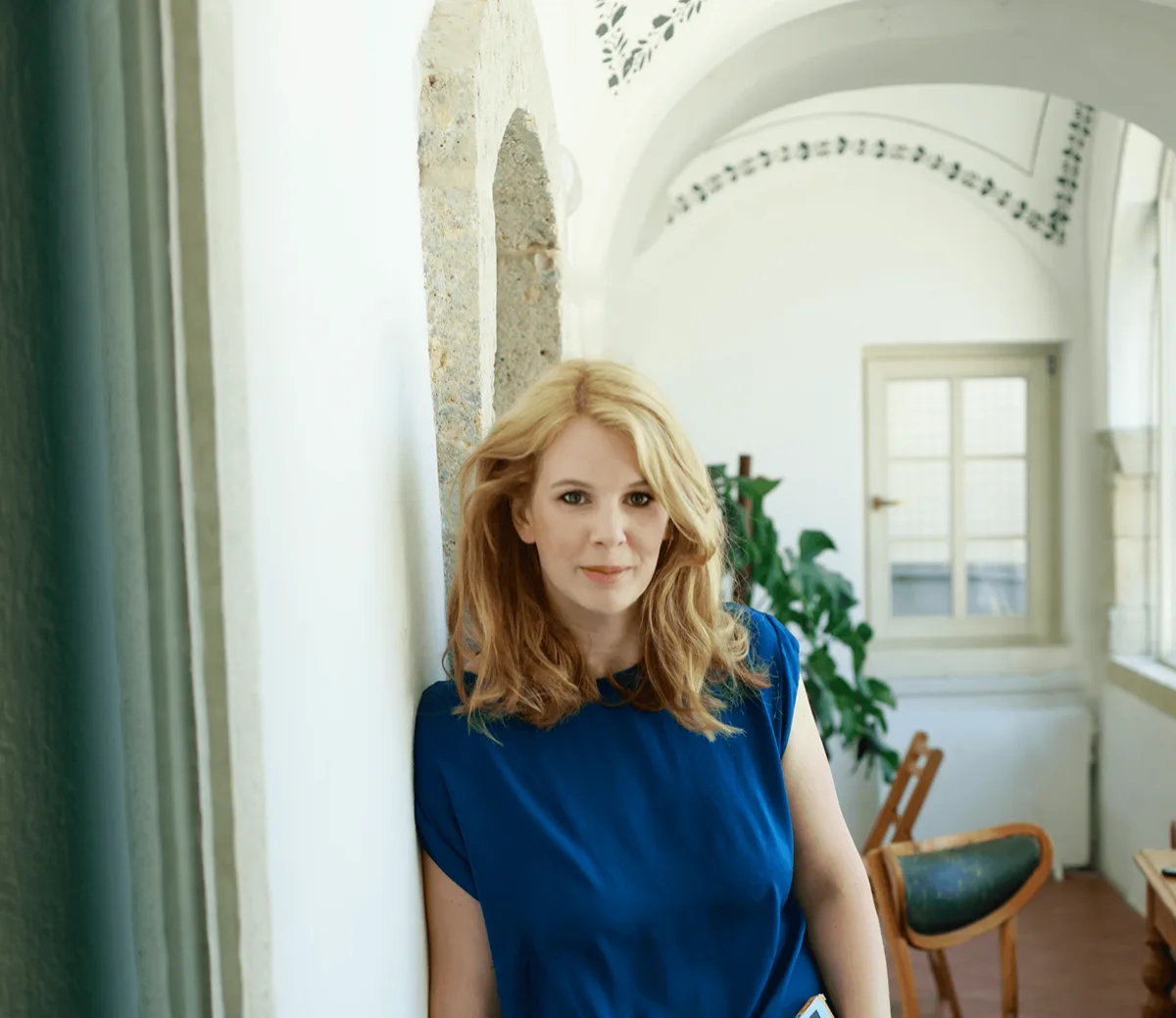
Romina Kavcic

Hey, I'm Romina Kavcic

Product Design Lead, 18+ years shipping design systems at scale, MBA in economics. I lead design teams through the shift from manual craft to agentic design, where AI agents handle audits, token pipelines, and documentation so designers can focus on decisions. Everything in this library comes from the work I do with real product teams.

Everything in this course is the setup I actually use, not a curriculum written for a slide deck. It exists because the most common email I get is some version of "where do I even start?"

How I help companies add agentic design practices:

Introduce agentic AI practices to design teamsMake design systems AI-readableAutomate audits, docs, and token pipelinesTrain designers on AI tools and promptsSet up governance for AI-generated work

Questions people ask before joining

Do I need to know how to code?
No. Everything runs through plain-language prompts and copy-paste setup steps. If you can rename a folder and paste into a terminal, you have all the technical skill this course needs.
What do I need before the first module?
A laptop, a Figma account, a Claude account, and a code editor: Cursor or VS Code, both free to install. I send a short pre-flight checklist after you reserve a seat so the live time goes into setup, not downloads.
What does the AI tooling cost after the course?
Claude plans that include Claude Code start at roughly $20 per month. I cover the plan options and realistic monthly costs in Module 1 so you can pick before paying for anything.
What if I cannot attend a module live?
Every module is recorded and you get the setup kit either way. Live attendance is better because you can unblock yourself in the moment, but each module works as a recorded walkthrough too.
Does this work on Windows?
Yes. Claude Code runs on Mac and Windows, and I show both installation paths in Module 1.
What does the 6 months of library access include?
Everything a paying member gets: every guide, prompt, template, MCP config, and the tool comparisons, for 6 months from the first module. You keep the recordings and the setup kit forever either way. If you already have a paid membership, it simply continues alongside the course.
How is this different from the guides on this site?
The guides tell you what to do. The course does it with you, in order, with someone to ask when step 3 does not look like the screenshot. It compresses weeks of solo trial and error into three guided sessions.
Reserve your seat

Three live modules · 90 minutes each · Sep 22, 29 · Oct 6 · 5:00–6:30 PM CEST

or write to hey@romina.design

$99$149Early bird until Sep 15

Three live modules · 90 minutes each · Sep 22, 29 · Oct 6 · plus 6 months of full library access

Reserve your seat