What is Granola?
Granola is an AI notepad for meetings. It sits quietly during your calls, listens to the conversation, and produces structured notes with action items when the meeting ends.
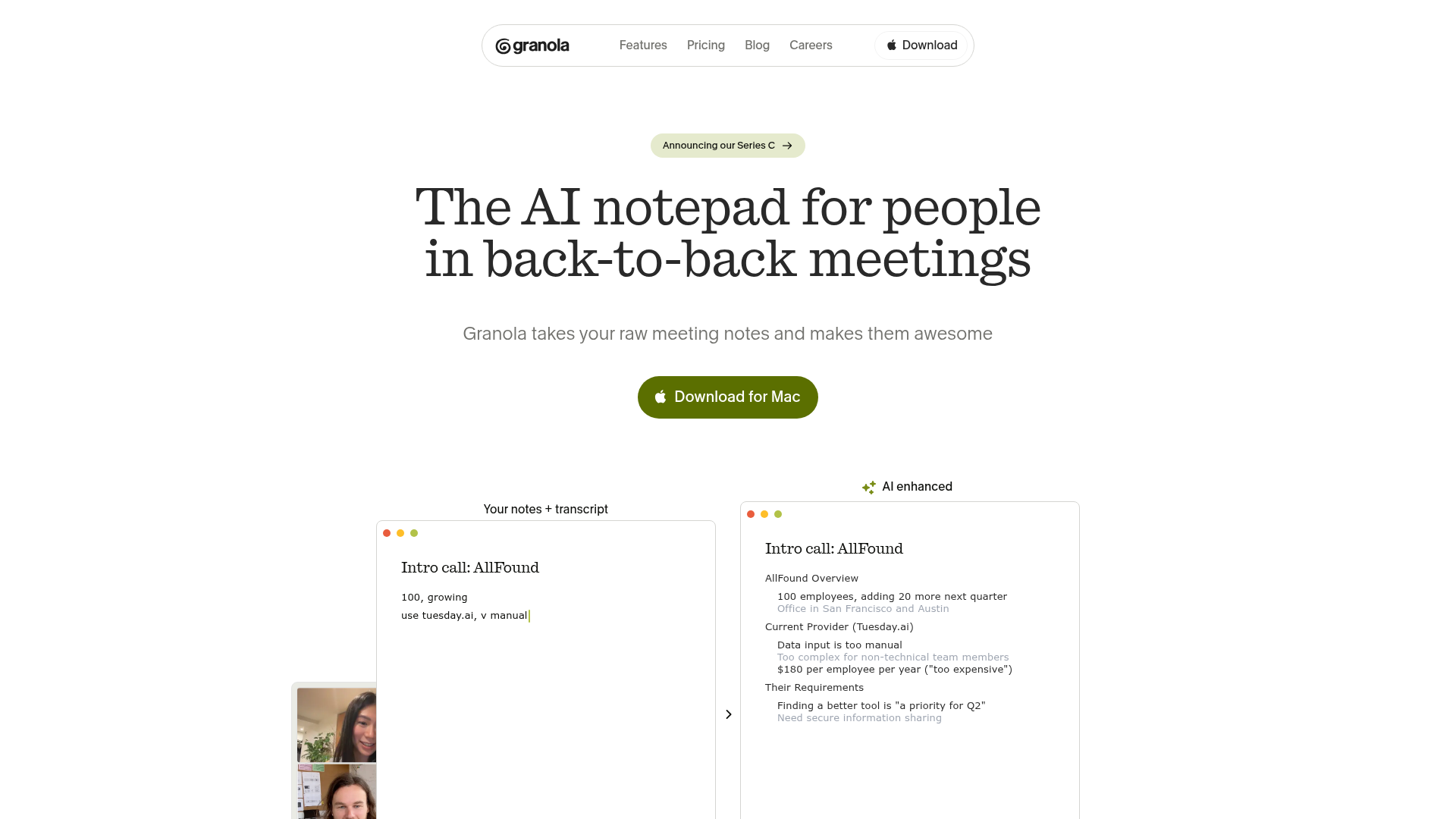
Unlike other transcription tools, Granola doesn’t record audio or video. It uses your system audio to create a transcript, then combines it with any notes you type during the meeting.
Why designers need this
Design work involves a lot of meetings:
- Design reviews - Feedback gets lost between Figma comments, Slack threads, and verbal discussion
- Stakeholder presentations - “What did they actually approve?”
- User research sessions - Key insights disappear without structured capture
- Sprint planning - Design tasks get deprioritized because nobody documented the agreement
Granola captures everything and structures it.
How it works
- Open Granola before your meeting
- Join your call (Zoom, Google Meet, Teams, anything)
- Type notes during the meeting if you want (optional)
- When the meeting ends, Granola combines the transcript with your notes
- AI generates a structured summary with action items
What the output looks like
After a design review, Granola produces:
Summary: Reviewed the new checkout flow. Team approved the 3-step approach. Need to revisit the payment method selection for mobile.
Decisions:
- Approved: 3-step checkout (cart > shipping > payment)
- Rejected: Single-page checkout (too complex for mobile)
- Deferred: Guest checkout flow (next sprint)
Action Items:
- @romina - Update mobile payment selection by Friday
- @dev-lead - Check Stripe integration timeline
- @pm - Add guest checkout to backlog
Templates for design work
Granola supports custom templates. Create templates for:
- Design critique - What was shown, feedback received, next steps
- User research debrief - Key findings, quotes, pattern observations
- Design system governance - Proposals discussed, decisions made, migration impact
- Client presentation - What was presented, client reactions, approved changes
Setup
- Download from granola.ai
- Install the desktop app
- Grant microphone access (system audio only, no recording)
- Open it before your next meeting
Tips for designers
- Create a “Design Review” template with sections for: Component shown, Feedback, Decisions, Follow-ups
- Share notes to Notion or Linear automatically after meetings
- Search past meetings when you need to find “what did we decide about the nav?”
- Use during user research to capture quotes without breaking eye contact
Try with Prompts
Ready-to-use prompts related to this guide
Translate brand guidelines (PDF, style guide) into a structured set of design tokens with proper naming and hierarchy.
Generate comprehensive component documentation including props, usage guidelines, do's and don'ts, and accessibility notes from a component's code.
Generate a full component specification from just a component name, including props, variants, states, tokens, and accessibility requirements.